
Step-by-Step Guide to Create Your First AI Image
A simple step-by-step guide to create your first AI image. Perfect for beginners with no technical or design skills.
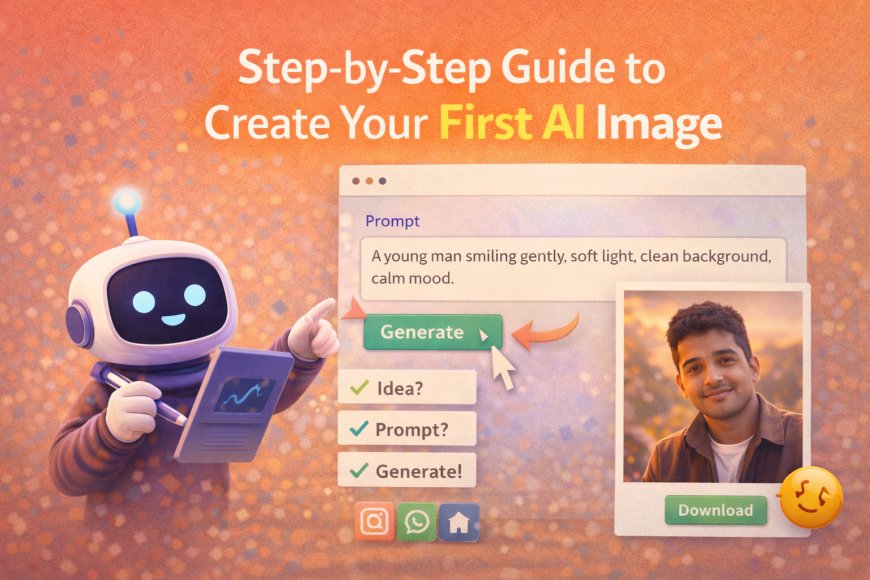

Simple Introduction
Creating an AI image is easy.
You don’t need experience.
You don’t need design skills.
You only need an idea.
This guide shows each step.
Anyone can follow it.


What You Need Before You Start
You only need two things:
-
Internet
-
An AI image tool
That’s it.
No software.
No setup.
Step 1: Choose a Simple AI Image Tool
Start with a beginner-friendly tool.
Any free AI image generator works.
Choose one where:
-
You see a text box
-
There is a “Generate” button
If it looks simple, it’s good.
Step 2: Decide What Image You Want
Before typing, think clearly.
Ask yourself:
-
Who is in the image?
-
What are they doing?
-
How should it feel?
Example idea:
A man smiling in soft light.
Clear idea = better result.
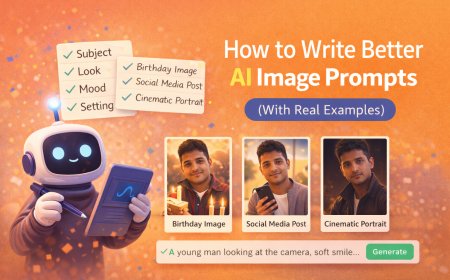
Step 3: Write Your First Prompt
Now type your idea in simple words.
Example Prompt:
“A young man smiling gently, wearing a simple outfit, soft light on his face, clean background, calm mood”
Don’t overthink.
Simple words work best.
Step 4: Click Generate
Press the generate button.
Wait a few seconds.
Your image will appear.
This is your first AI image.
Step 5: Review the Image
Look at the image carefully.
Ask:
-
Is the mood right?
-
Is the background okay?
-
Does it match your idea?
If yes, you’re done.
If not, move to the next step.
Step 6: Improve With Small Changes
Don’t rewrite everything.
Change only one thing.
Examples:
-
Add “warm light”
-
Change “calm” to “happy”
-
Add “indoor setting”
Generate again.
This is how you learn.
Step 7: Save or Download the Image
Once you like the image:
-
Download it
-
Save it
You can now use it for:
-
Social media
-
Profile pictures
-
Blog images
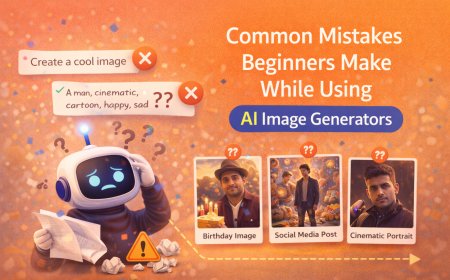
Common Beginner Mistakes to Avoid
-
Writing one-word prompts
-
Adding too many ideas
-
Expecting perfection first time
-
Copying complex prompts
Slow and simple wins.
How Long Does It Take to Learn?
Your first image takes 5 minutes.
Your first good image takes 10–15 minutes.
After that, it becomes easy.
Practice improves speed.
Final Thoughts
Creating AI images is not hard.
It’s about clarity.
If you can describe an image,
you can create one.
Start small.
Keep practicing.
What's Your Reaction?
 Like
0
Like
0
 Dislike
0
Dislike
0
 Love
0
Love
0
 Funny
0
Funny
0
 Angry
0
Angry
0
 Sad
0
Sad
0
 Wow
0
Wow
0